Orange
Undo and redo come to the editor, plus behavior history and crash recovery
9 new features
- Editor undo/redo: Ctrl+Z / Ctrl+Shift+Z (or Ctrl+Y) now undo object placement, moves, deletes, pastes and clones, object properties, level changes, game settings, behavior saves, library folders, layer moves, parent links, collision groups, globals, object variables, achievements and loading screen edits. Undo/redo buttons appear on the level editor tool rail
- Behavior History: open the History panel in the behavior editor to browse earlier versions of an object's behaviors and restore one
- Crash recovery: unsaved behavior edits are kept locally and offered back after a crash or lost connection
- Save status: the editor now shows whether your work is saved, pauses cleanly when offline, and lets you sign in without leaving the game
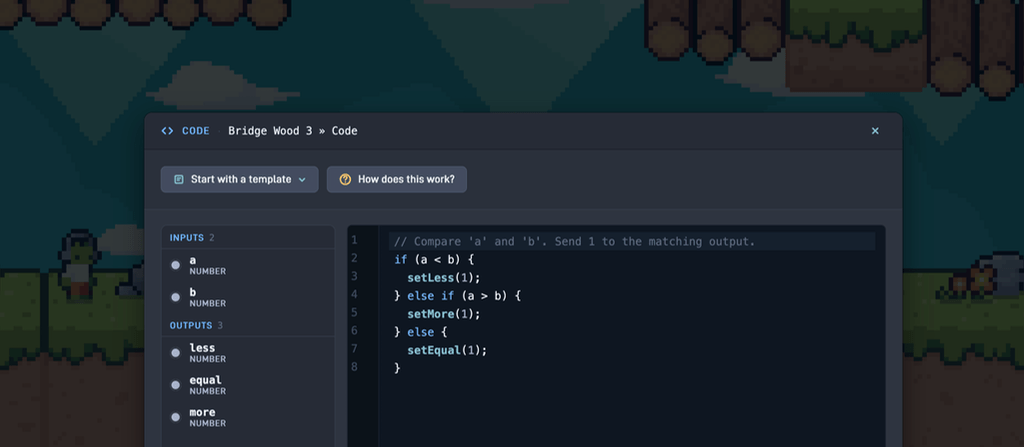
- Code node: port and body edits are undoable, and links dropped by a retype are restored
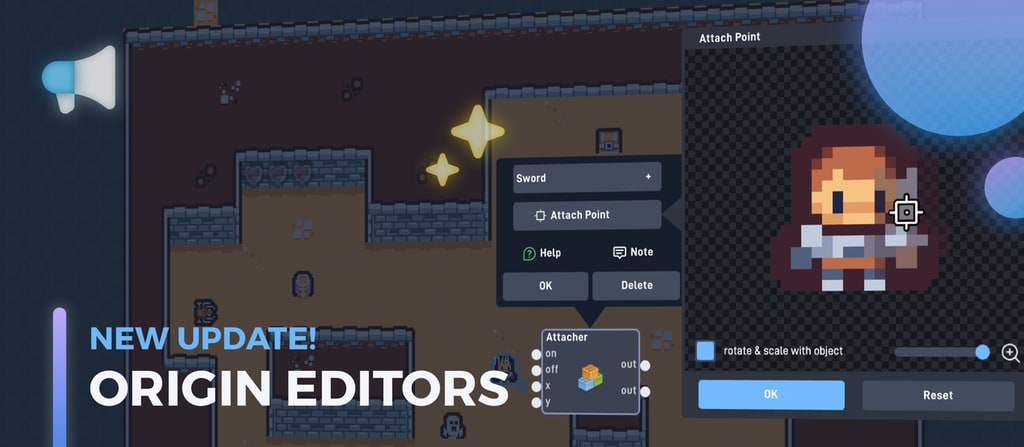
- Message node: new attachment routes - send to last attached and send to attacher
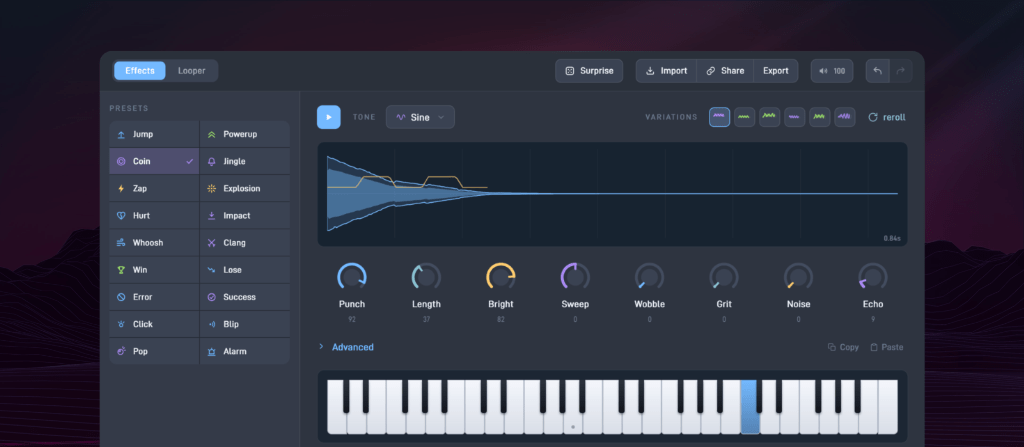
- Sound node: the URL input plays uploaded sounds by path (/Folder/Name.mp3)
- New Shader: Scatter Disintegrate effect
- Object library: auto-scrolls while dragging an object near the top or bottom edge
9 fixes
- Attacher node no longer drops x/y inputs received before the on input
- The can't-save beep no longer plays for games you don't own
- Shader node LED, LCD and Resolution input fixes
- Replacing a looping sound through the url input no longer leaves the old loop playing
- Global deletion issues fixed
- Changing an object's parent adds or removes inherited labels on placed objects immediately
- The object edit popup no longer closes when releasing a scrollbar drag or clicking between dropdown rows
- Fixed a crash when sending to an attacher whose object had been destroyed
- Fixed the cover screenshot crashing on some games with a repeating background